For many corps members in Nigeria, the National Youth Service Corps (NYSC) year is filled with opportunities, responsibilities, and learning experiences. In recent years, however, online learning has become a major part of the NYSC program. As a result, many Community Development Service (CDS) activities, training sessions, webinars, and educational programs are now delivered online.
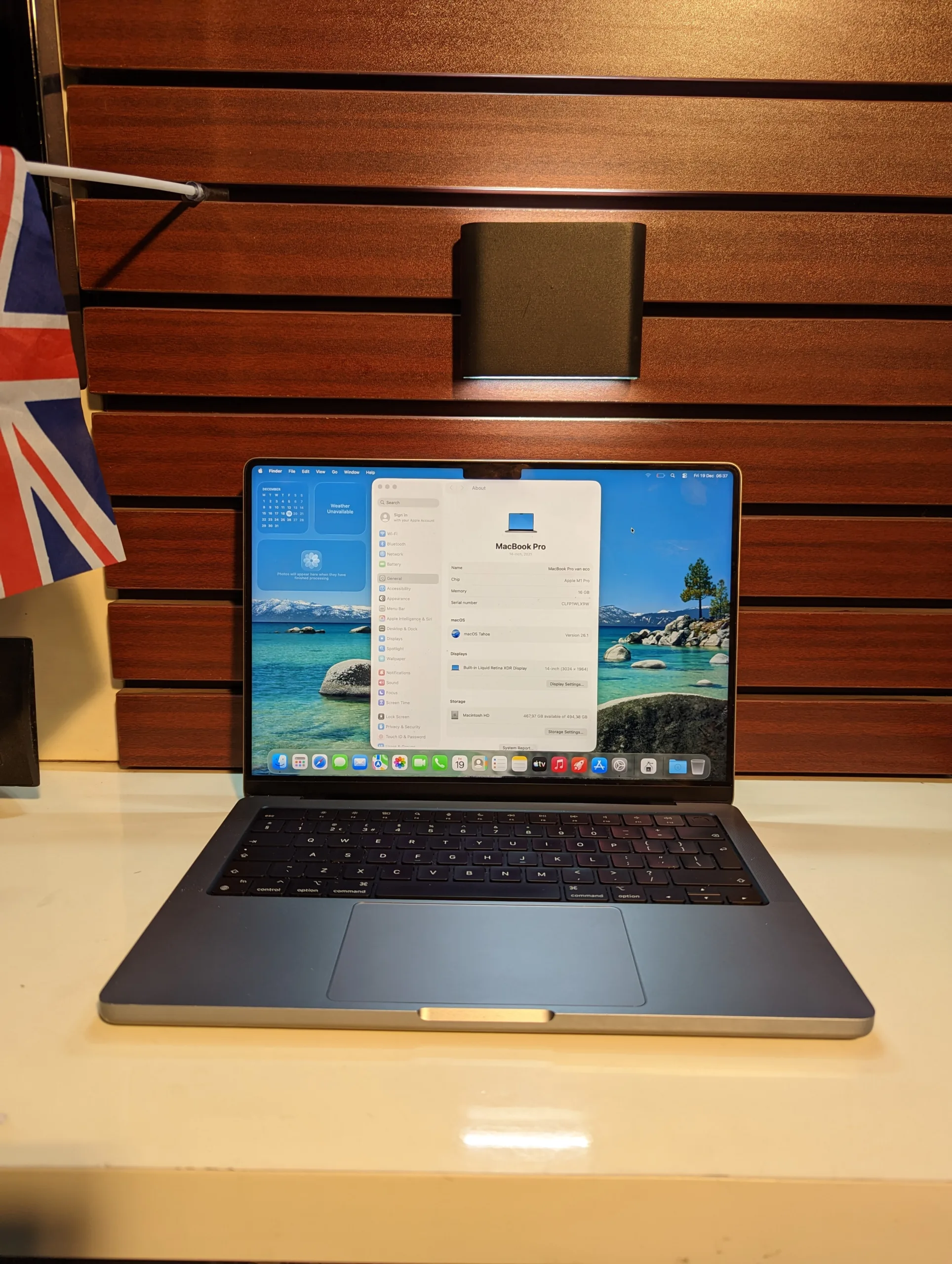
Consequently, every corps member needs a reliable laptop to participate effectively in online CDS courses, complete assignments, attend virtual meetings, and access educational resources. Unfortunately, many corps members struggle because they either use outdated devices or do not know how to properly utilize their laptops for learning.
This comprehensive guide explains how to use your laptop efficiently to pass NYSC online CDS courses in Nigeria in 2026. Furthermore, you will learn the best software to install, internet management tips, productivity strategies, and laptop recommendations that can improve your learning experience.
Why NYSC Online CDS Courses Are Important

Traditionally, CDS activities involved physical meetings and community projects. However, technology has transformed the way educational programs are delivered. Therefore, many NYSC groups now conduct training sessions, workshops, entrepreneurship programs, and assessments online.
Additionally, these online courses help corps members develop practical skills that remain valuable long after service year completion. In many cases, employers appreciate candidates who actively participate in digital training programs and demonstrate strong computer literacy.
Moreover, online CDS programs often cover areas such as:
- Entrepreneurship development
- Digital marketing
- Financial literacy
- Agricultural innovation
- Business management
- ICT and technology skills
- Leadership development
- Career planning
Why a Laptop Is Better Than a Smartphone for NYSC Learning
Although smartphones are useful, laptops provide a significantly better learning experience. First, laptops offer larger screens, making presentations and training materials easier to view. Furthermore, typing assignments and reports becomes much faster.
In addition, many online learning platforms function better on laptops than on mobile devices. Certain educational websites may have limitations when accessed through smartphones. Therefore, using a laptop can prevent unnecessary technical challenges during your NYSC year.
Likewise, laptops allow multitasking. For example, you can attend a webinar while simultaneously taking notes in Microsoft Word or Google Docs.
Choosing the Right Laptop for NYSC Online CDS Courses
Before discussing learning strategies, it is important to ensure you have a suitable laptop. Fortunately, you do not need an expensive machine to participate effectively in online CDS programs.
Ideally, your laptop should have:
- Intel Core i5 processor or higher
- At least 8GB RAM
- SSD storage
- Functional webcam
- Good battery life
- Reliable Wi-Fi connectivity
If you are planning to purchase a laptop, you may also find these guides useful:
- Core i3 vs Core i5 vs Core i7: Which Should You Actually Buy in Nigeria in 2026?
- 8GB vs 16GB RAM: Which Is Better for Nigerian Students and Professionals?
- Best Laptops for Nigerian University Students Under ₦200,000 in 2026
- What Does UK Used Really Mean? How to Properly Inspect a UK Used Laptop Before Buying in Nigeria
Essential Software Every Corps Member Should Install
To maximize your productivity, you should install several important applications. These tools will help you participate effectively in NYSC online training programs.
1. Google Chrome
Most online learning platforms work perfectly with Google Chrome. Therefore, it should be one of the first applications you install.
2. Microsoft Office
Microsoft Word, Excel, and PowerPoint remain essential for note-taking, report writing, and presentations.
3. Zoom
Many NYSC webinars and training sessions use Zoom. Consequently, installing it beforehand helps you avoid last-minute issues.
4. Google Meet
Similarly, some CDS groups prefer Google Meet for virtual sessions.
5. Adobe Acrobat Reader
Many course materials are shared as PDF files. Therefore, a PDF reader is necessary.
6. Antivirus Software
Protecting your laptop from malware is equally important because cyber threats can interrupt your learning activities.
Setting Up a Productive Study Environment
A productive study environment can significantly improve learning outcomes. Therefore, create a dedicated workspace where you can attend online sessions without distractions.
Whenever possible:
- Choose a quiet room
- Use a comfortable chair
- Ensure proper lighting
- Keep your charger nearby
- Maintain stable internet access
Additionally, keeping your phone on silent mode during training sessions can improve concentration.
Managing Internet Data Efficiently
Internet costs remain a concern for many corps members. Nevertheless, there are several ways to reduce data consumption.
For example:
- Download materials during off-peak hours
- Turn off HD video when unnecessary
- Close background applications
- Use Wi-Fi whenever available
- Update software only when connected to affordable data plans
Furthermore, many telecom providers offer educational bundles that can reduce internet expenses.
How to Take Better Notes During Online CDS Classes
Effective note-taking is one of the most important skills for online learning. Instead of trying to write every word, focus on key concepts and important points.
Additionally, organize your notes using headings and bullet points. This approach makes revision easier later.
Many successful corps members also use cloud storage services to keep notes accessible across multiple devices.
Using Cloud Storage to Avoid Losing Files
Data loss can be devastating, especially when important assignments are involved. Therefore, backing up your files regularly is essential.
Popular cloud storage services include:
- Google Drive
- Microsoft OneDrive
- Dropbox
Because these services automatically synchronize files, your documents remain safe even if your laptop develops a fault.
Participating Actively in Virtual Sessions
Many corps members attend online classes passively. However, active participation often leads to better understanding and higher performance.
Therefore:
- Ask questions
- Participate in discussions
- Respond to assignments promptly
- Engage with instructors respectfully
- Contribute meaningful ideas
As a result, you become more visible and gain greater value from each session.
How to Avoid Common Mistakes During Online CDS Courses
Many corps members unknowingly make mistakes that affect their learning experience.
For example:
- Missing class schedules
- Ignoring assignment deadlines
- Using unstable internet connections
- Failing to update learning applications
- Depending entirely on smartphones
- Not backing up important files
Fortunately, proper planning can eliminate most of these problems.
Time Management Strategies for Corps Members
Balancing CDS activities, Place of Primary Assignment (PPA) duties, and personal commitments can be challenging. Therefore, effective time management becomes critical.
To stay organized:
- Create a weekly schedule
- Use calendar reminders
- Set assignment deadlines
- Allocate study periods daily
- Review notes regularly
Furthermore, productivity applications such as Google Calendar and Microsoft To Do can help you stay on track.
Best Laptop Brands for NYSC Corps Members
Several laptop brands are suitable for NYSC online learning. Popular options include:
- HP EliteBook
- Dell Latitude
- Lenovo ThinkPad
- HP ProBook
- Dell Inspiron
- Lenovo IdeaPad
These laptops typically offer reliability, good battery life, and strong performance for educational tasks.
You may also read:
- HP vs Dell vs Lenovo: Which Laptop Brand Is Best for Nigerian Students in 2026?
- HP EliteBook vs HP ProBook: Which Is the Better Choice for Nigerian Professionals?
- Dell Latitude vs Dell Inspiron: Key Differences Nigerian Buyers Must Know
- Lenovo ThinkPad vs IdeaPad: Which Should You Buy in Nigeria and Why?
How Psero Can Help You Get the Right Laptop
At Psero, we understand the challenges Nigerian students and corps members face when searching for reliable laptops. Therefore, we carefully select quality UK-used and affordable laptops suitable for learning, online training, research, and productivity.
Whether you need a budget-friendly laptop for NYSC online CDS courses or a more powerful device for professional development, our team can help you choose the right option based on your needs and budget.
Final Thoughts
Passing NYSC online CDS courses in Nigeria in 2026 requires more than simply attending virtual classes. Instead, success depends on having the right laptop, maintaining reliable internet access, using productivity tools effectively, and managing your time wisely.
Moreover, investing in a dependable laptop can improve not only your NYSC experience but also your future career opportunities. Therefore, corps members who develop strong digital skills today position themselves for greater success tomorrow.
Ultimately, your laptop is more than just a device. It is a powerful tool that can help you learn new skills, complete training programs, access career opportunities, and build a successful future beyond NYSC service.