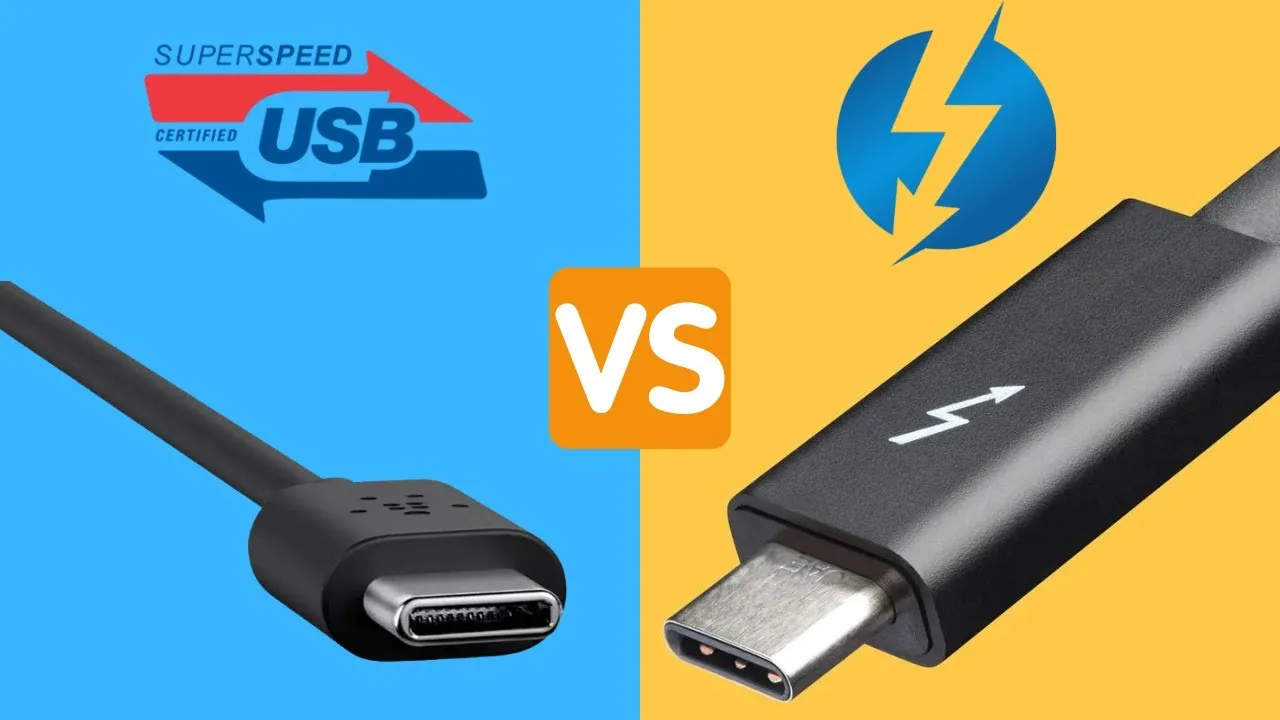
Many modern laptops now include USB-C ports, while some premium models also feature Thunderbolt 4. At first glance, both ports look identical. However, they offer different levels of speed, power, and functionality.
If you plan to connect external monitors, storage devices, or docking stations, understanding the difference can help you choose the right laptop for your needs.
What Is USB-C?
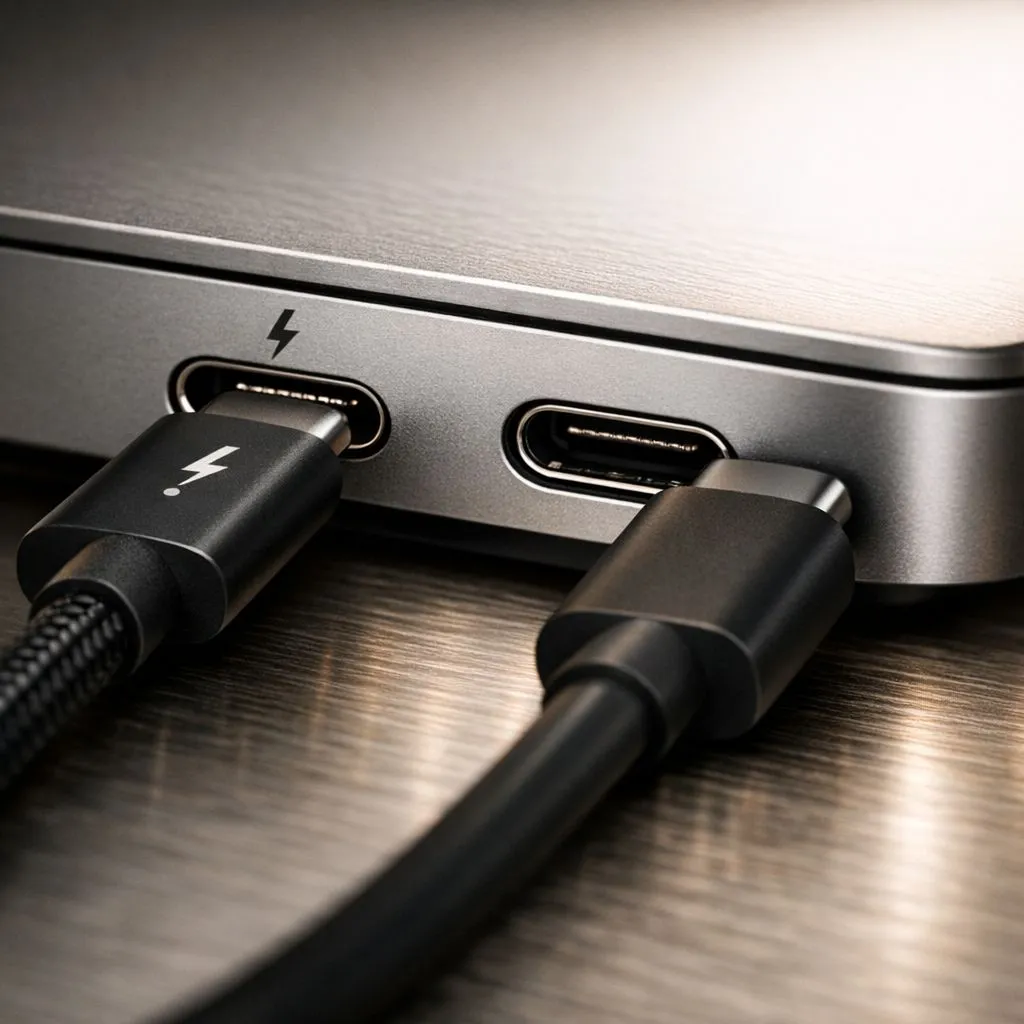
USB-C is a small, reversible connector that has become the standard on many laptops, smartphones, and accessories. Unlike older USB ports, you can plug it in either direction.
Depending on the laptop model, a USB-C port may support charging, data transfer, video output, or all three functions. Therefore, checking the specifications before buying is essential.
Advantages of USB-C
- Small and reversible connector
- Available on most modern laptops
- Supports charging on many devices
- Can connect external displays
- Works with numerous accessories
What Is Thunderbolt 4?
Thunderbolt 4 is an advanced connection technology developed by Intel. Although it uses the same USB-C connector, it provides additional capabilities and higher guaranteed performance.
For example, Thunderbolt 4 supports faster data transfer, multiple high-resolution displays, and advanced docking stations through a single cable.
Advantages of Thunderbolt 4
- Very fast data transfer speeds
- Supports multiple external displays
- Works with high-performance docking stations
- Supports charging and video through one cable
- Excellent for professional workflows
USB-C vs Thunderbolt 4 Comparison
| Feature | USB-C | Thunderbolt 4 |
|---|---|---|
| Connector Shape | USB-C | USB-C |
| Maximum Data Speed | Varies by version | Up to 40 Gbps |
| External Displays | Supported on many models | Supports multiple high-resolution displays |
| Docking Stations | Basic support | Advanced support |
| Typical Laptop Price | More affordable | Usually premium models |
Can USB-C Charge a Laptop?
Yes, many USB-C ports support laptop charging. However, not every USB-C port includes this feature.
Before buying a laptop or charger, confirm that the USB-C port supports Power Delivery (PD). Otherwise, charging may not be possible.
Do You Need Thunderbolt 4?
For many students and office workers, a standard USB-C port is more than enough. It easily handles charging, file transfers, and connecting common accessories.
On the other hand, professionals who edit videos, transfer large files, or use multiple monitors may benefit from Thunderbolt 4.
Which Port Is Better for External Monitors?
Both technologies can connect external displays. However, Thunderbolt 4 offers greater flexibility by supporting multiple high-resolution monitors with excellent performance.
If you regularly work with dual-monitor setups, Thunderbolt 4 is usually the better option.
Should Nigerian Buyers Pay Extra for Thunderbolt 4?
The answer depends on your workload. If you only browse the internet, study, or use Microsoft Office, spending extra on Thunderbolt 4 may not be necessary.
However, creative professionals and advanced users may find the additional speed and connectivity worthwhile.
Recommended Port for Different Users
| User Type | Recommended Port |
|---|---|
| Students | USB-C |
| Office Workers | USB-C |
| Business Users | USB-C |
| Video Editors | Thunderbolt 4 |
| Graphic Designers | Thunderbolt 4 |
| Software Developers | Thunderbolt 4 (optional) |
Things to Check Before Buying
- Confirm whether the USB-C port supports charging
- Check if video output is available
- Look for Thunderbolt 4 certification if needed
- Ensure compatibility with your accessories
- Choose a laptop based on your actual workflow
You should also compare the processor, RAM, SSD, graphics, and battery life before making your final decision.
Useful Official Resources
You can learn more about Thunderbolt technology on the official Thunderbolt Technology website. For USB specifications, visit the official USB Implementers Forum.
Final Verdict
USB-C is the right choice for most laptop users because it offers excellent versatility and broad compatibility. Meanwhile, Thunderbolt 4 provides superior speed and advanced connectivity for professionals who work with demanding applications.
Ultimately, you should pay extra for Thunderbolt 4 only if your daily tasks require its additional capabilities. Otherwise, a well-equipped USB-C laptop will serve most Nigerian buyers perfectly.